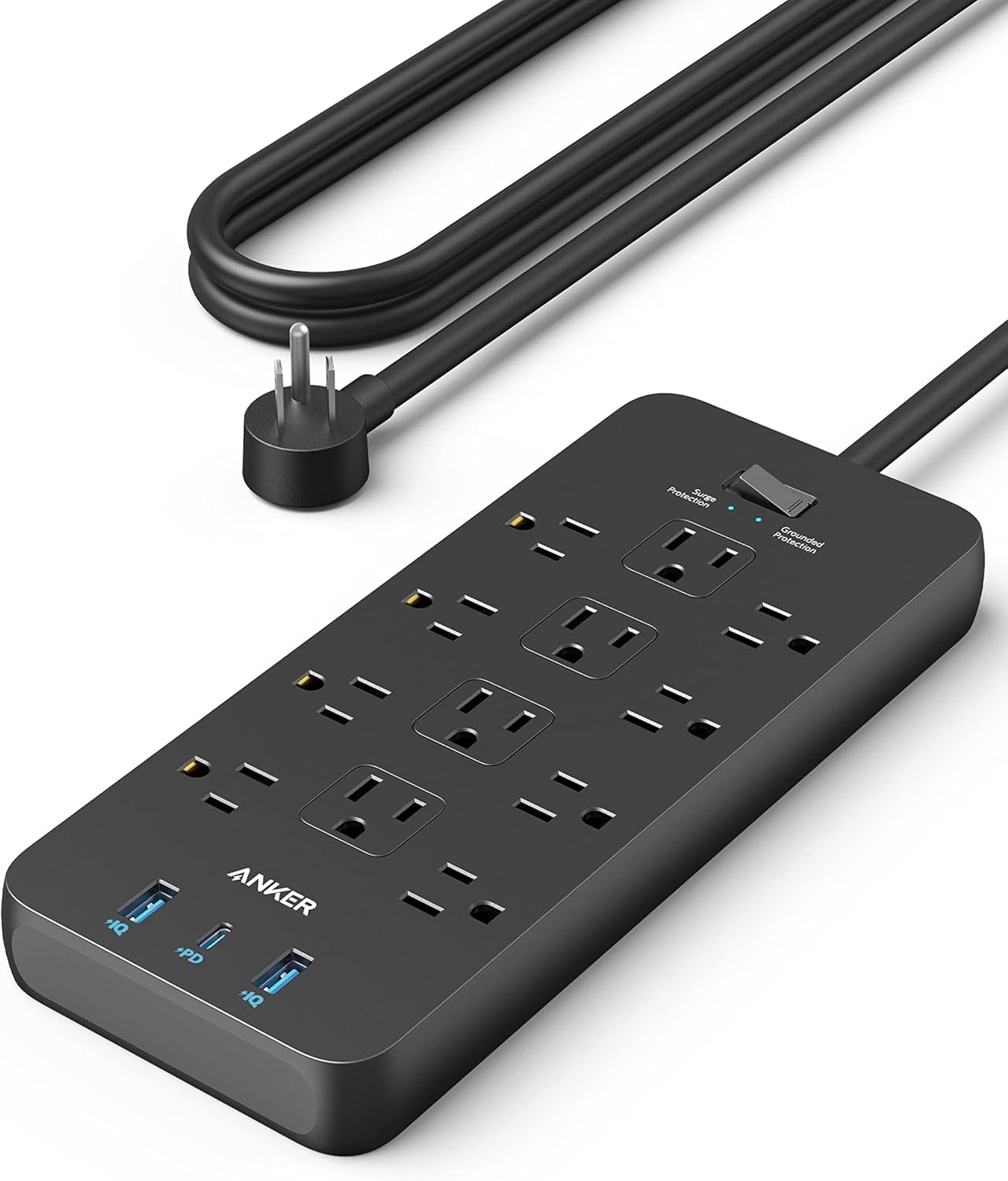
Why Your Charger Is Slow, and How to Fix It
A phone that used to charge in ninety minutes and now takes four hours is usually not a failing battery. In most cases it is the charger, the cable or how many devices are sharing one supply, and each is easy to test.
Charging speed is decided by the weakest link
A charging setup has four parts: the wall supply, the charger, the cable and the device. The speed you get is set by whichever of those four supports the least power, not by the most capable one.
This is why a fast charger with an old cable charges slowly, and why a good cable on a 5W charger is still 5W. Upgrading one part in isolation frequently changes nothing.
Diagnosing in that order — charger, then cable, then device — finds the problem quickly.
Reading the wattage on a charger
The rating is printed on the body, usually as output volts and amps. Multiply them for watts: 5V at 1A is 5W, 5V at 2.4A is 12W, 9V at 2A is 18W. Anything quoting multiple voltage steps supports a fast-charging protocol.
A charger that only offers 5V cannot fast charge any modern phone regardless of its amperage, because fast charging works by raising voltage.
The 20W class covers most phones comfortably. Tablets and laptops need considerably more and will trickle on a phone charger.
Shared supplies and the multi-port trap
A four-port charger advertising 2.4A per port frequently shares a single internal supply of 3A or so. Plug in four devices and each receives well under a quarter of what the label implied.
Look for a total output figure. A charger rated 20W total across four ports is a 20W charger, however the ports are described individually.
For fast charging, use a single port on a charger with enough headroom rather than spreading devices across a shared one.
Cables are the most common culprit
A cheap or worn cable with thin conductors drops voltage along its length, and the device compensates by drawing less current. The cable also gets warm, which is a reliable sign that it is the bottleneck.
USB-C cables vary enormously in what they support. A cable rated for 60W and one rated for 100W look identical, and a charging-only cable with no data lines cannot negotiate fast-charge protocols at all.
Test by swapping the cable while keeping everything else constant. It is the fastest single diagnostic in the whole chain.
Length, and why shorter is faster
Voltage drop increases with cable length and decreases with conductor thickness. A short, thick cable delivers more usable power than a long thin one from the same charger.
For fast charging at a desk, keep the cable under a metre where you can. Save the three-metre cable for overnight charging where speed does not matter.
This is also why extension leads and long runs between the wall and the charger are worth avoiding for charging.
Wireless charging expectations
Wireless charging is slower than wired, generates more heat and loses energy in the transfer. It is a convenience feature rather than a speed feature, and treating it as the primary method on a phone you need charged quickly will frustrate you.
Alignment matters more than most people realise. A phone a centimetre off the coil charges dramatically slower and warms up more.
Thick cases, and anything containing metal or a card, interfere with the transfer.
Watches, and dedicated docks
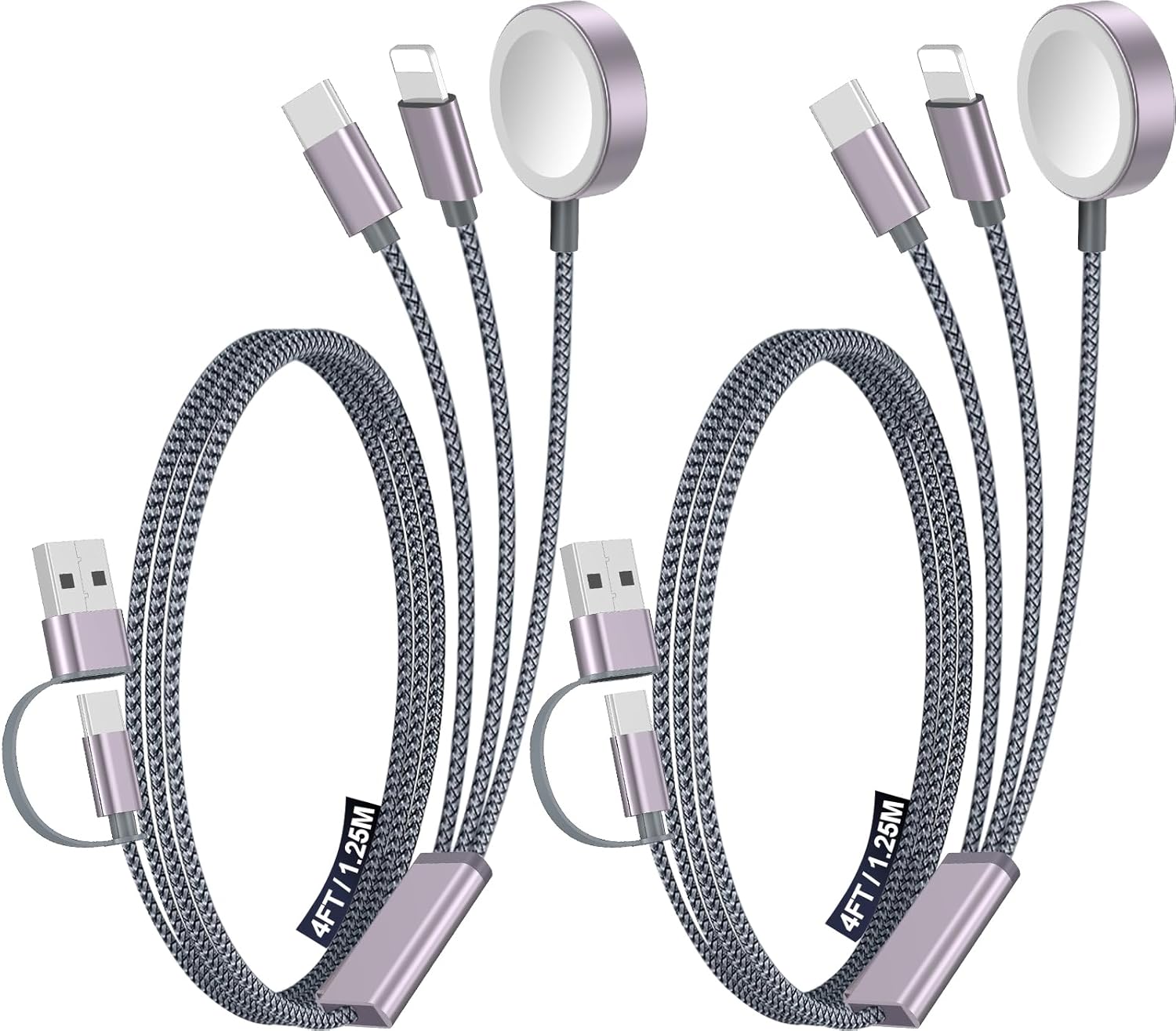
Smartwatches use proprietary magnetic pucks with low power requirements. The common travel failure is forgetting the puck, not slow charging, which is why multi-device travel chargers that include a watch puck are worth the pocket space.
A 3-in-1 travel charging kit removes three cables and one adapter from a bag. That is the practical benefit rather than any speed gain.
Check the puck is genuine or reputable; poor-quality watch chargers are a common cause of a watch that stops holding charge.
A five-minute diagnostic routine
Charge with a known-good charger and a known-good short cable, with the device otherwise idle and not on a shared port. Note the time to gain twenty percent.
Change one variable at a time from there. If the known-good setup is fast, the fault is in whichever component you removed. If it is still slow with everything known-good, the battery or the device's charging circuit is the remaining candidate.
Battery health readings in the device settings are the last check, and by then you will usually already know the answer.
Where to go next
Wall chargers, outlet extenders with USB and travel charging kits are in Charging & Cables.
Shop Charging & Cables
Related articles
- How to Choose a Surge Protector by Joule Rating — Joules, clamping voltage and response time explained in plain language, with the rating to look for on a desk, a rack and a TV wall.
- Travel Adapters Versus Voltage Converters — An adapter changes the plug shape. A converter changes the voltage. Confusing the two is how appliances get destroyed abroad.
- A Beginner's Guide to Soldering Safely at Home — Temperature, tip care, ventilation and lead safety. What you need to know before the first joint, and the mistakes that waste solder.
- Choosing a Keypad or Fingerprint Deadbolt for a Rental — What a keyless deadbolt replaces, what it needs from your door, and how to leave the original hardware intact for move-out.
- Cleaning a Keyboard and a PC Without Damaging Anything — Cordless air dusters, static, and the parts you should never spin. A safe routine for keeping a computer running cool.